Free, runs in your browser. Nothing you type is sent anywhere.
Free Celebration of Life Tools
Six small calculators and planners that run in your browser. Put in your own numbers, get something you can plan with, and nothing you type is sent anywhere. When you want the real figure for your date, the team gives it on a free tour.
Six Free Tools
Each one opens with a sample gathering so you can see it work, then takes your own numbers. None of them is a quote; they help you plan with the prices printed on the packages page.
- 1 of 6Cost CalculatorPick a package, set the guest count, add what you want and see a starting figure at once, itemized, with the price per guest. It uses the prices printed on the packages page, nothing else.Open the cost calculator
- 2 of 6Planning ChecklistGive it the date and what the day includes. It writes a dated checklist from today to the day itself, in four groups you can tick off, and keeps your ticks in this browser.Open the checklist
- 3 of 6Order of Service BuilderAdd the parts of the service, give each one its minutes and the person who leads it, and see the running order with a finish time. Reorder with the arrows, then print the outline for the program.Open the builder
- 4 of 6Invitation WordingPut in the name, the date, the place and who it is from, choose a tone, and read the invitation as you go. Edit any line, then copy it into a text, an email or a printed card.Open the invitation tool
- 5 of 6Repast Food PlannerSet the guest count, the dishes and what one tray serves, and see how many trays to order, plus plates, cups, ice and serving spoons. The sample is a full meal for 120.Open the food planner
- 6 of 6Slideshow TimingPut in the number of photographs, how long each one stays and the songs, and see whether the pictures and the music end together, with the fix if they do not.Open the slideshow calculator
How the Tools Work
Each one opens with a sample gathering, then takes your numbers.
- No sign-up
- Nothing sent
- Print or copy
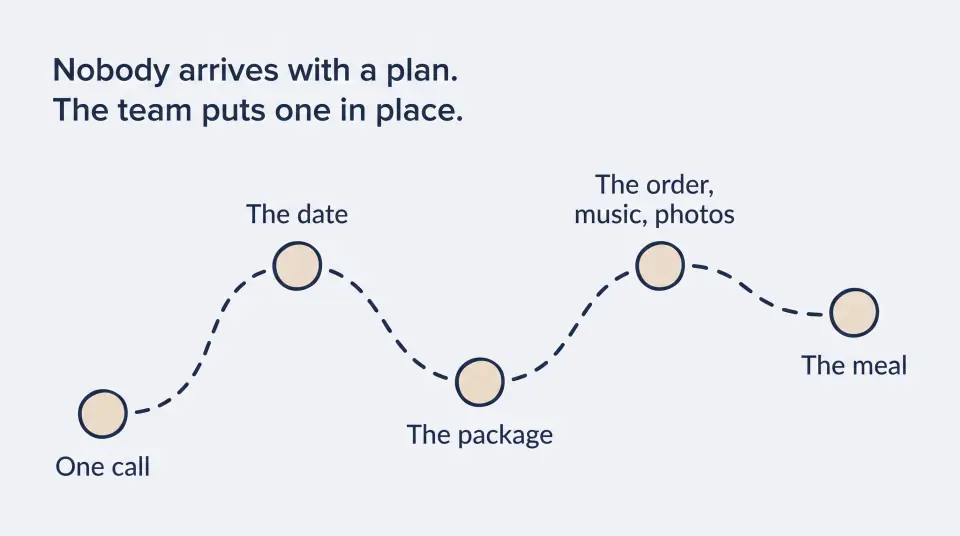
Every tool starts filled in for a sample gathering of 120 guests, so you can see what it does before you change a thing. Change the numbers and the result updates as you go. Copy the result into a note or a text, or print it for the kitchen table.
Read the full sectionClose the section
The prices come from the packages page and are starting figures; add-ons are priced separately and the team confirms the total once the date is held. The checklists and planners are the same advice Gloria and Susan give on a tour, written down.
When to Use Which Tool
Cost first, then the date, then the parts of the day.
- Cost
- Checklist
- Service
- Invitation
- Food
- Slideshow
Start with the cost calculator to see what a package and the add-ons come to for your guest count. Then the checklist: give it the date and it dates every step. The order of service builder times the service itself, the invitation tool writes the message, the food planner sizes the meal and the slideshow calculator fits the photographs to the songs.
Read the full sectionClose the section
None of them replaces a conversation. A free 30-minute tour, any weekday, answers the questions a tool cannot.
Questions
Something else on your mind? Call (954) 471-3965.
Are the tools really free, and do I have to sign up?
Yes, and no. They run in your browser, there is no account, and nothing you type is stored or sent. Copy or print the result if you want to keep it.
Will the calculator tell me what my celebration will cost?
It gives a starting figure from the prices printed on the packages page. Add-ons are priced separately, and the team confirms the total once your date is held and the add-ons are chosen.
Can I use the planners for a gathering held somewhere else?
Yes. The checklist, the order of service builder, the invitation tool, the food planner and the slideshow calculator work for any gathering. The cost calculator uses Sacred Farewells prices only.
Now Get the Real Number
Used a tool and want the figure for your date? Gloria or Susan will call during office hours, check the date and arrange a free 30-minute tour.
- Visit
- 5725 S University Dr, Davie, FL 33328
- Call
- (954) 471-3965
- Hours
- Monday to Friday 7:00am to 7:00pm, Saturday 7:00am to 4:00pm, Sunday closed
Come See the Room First
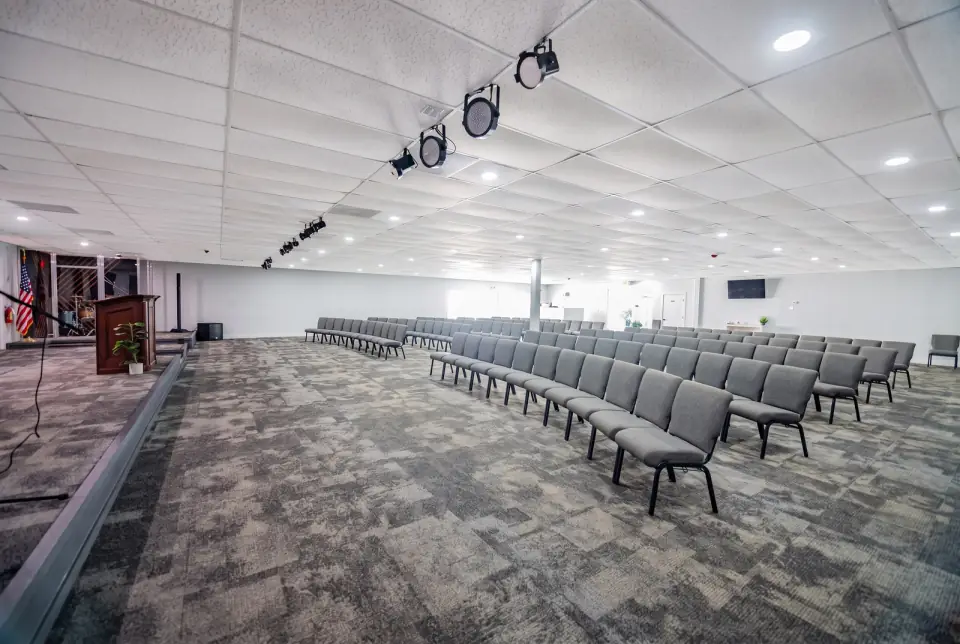
A free 30-minute tour, any weekday. Walk the sanctuary, see the reception space, and ask every question before anything is decided.